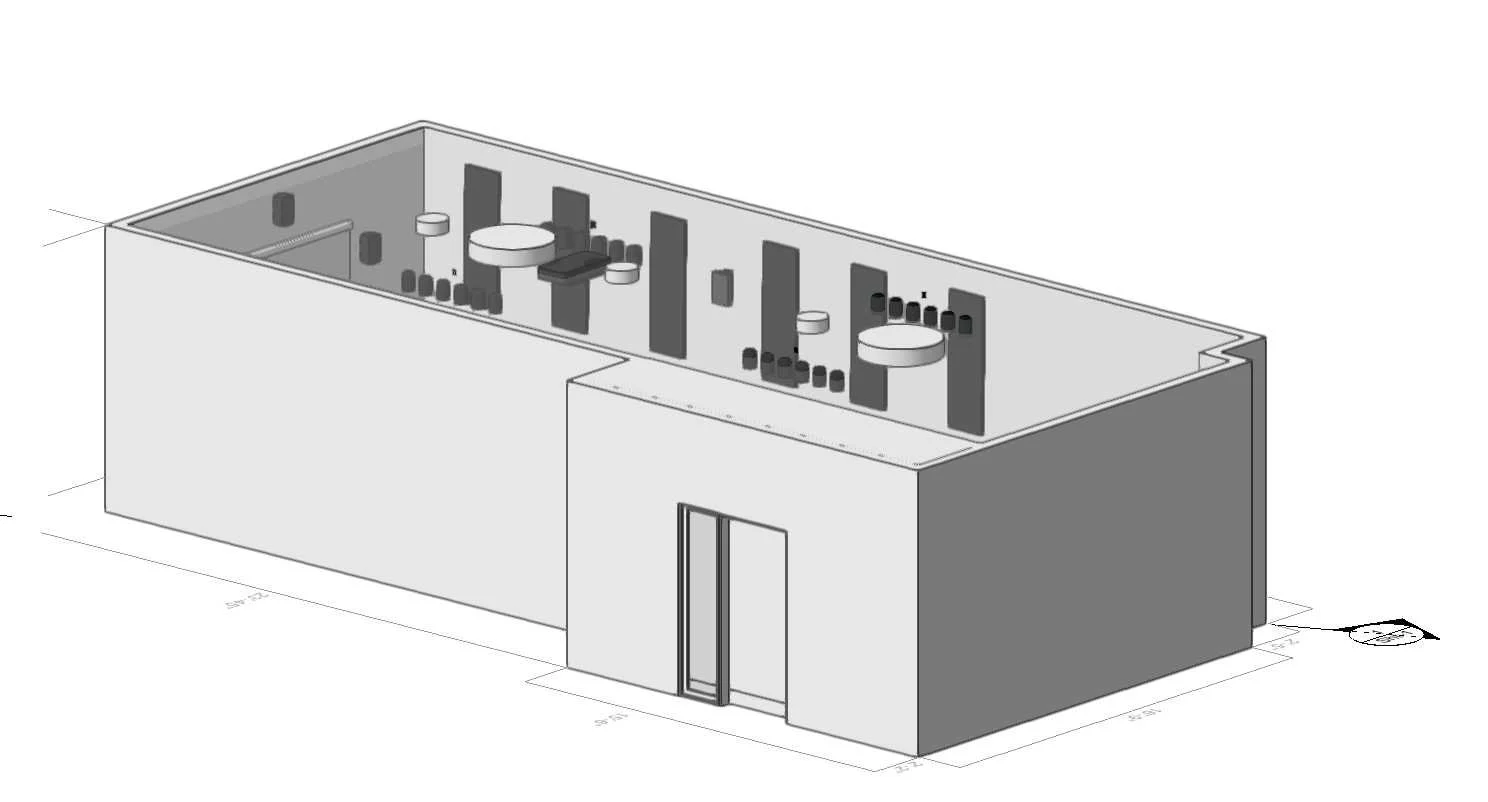
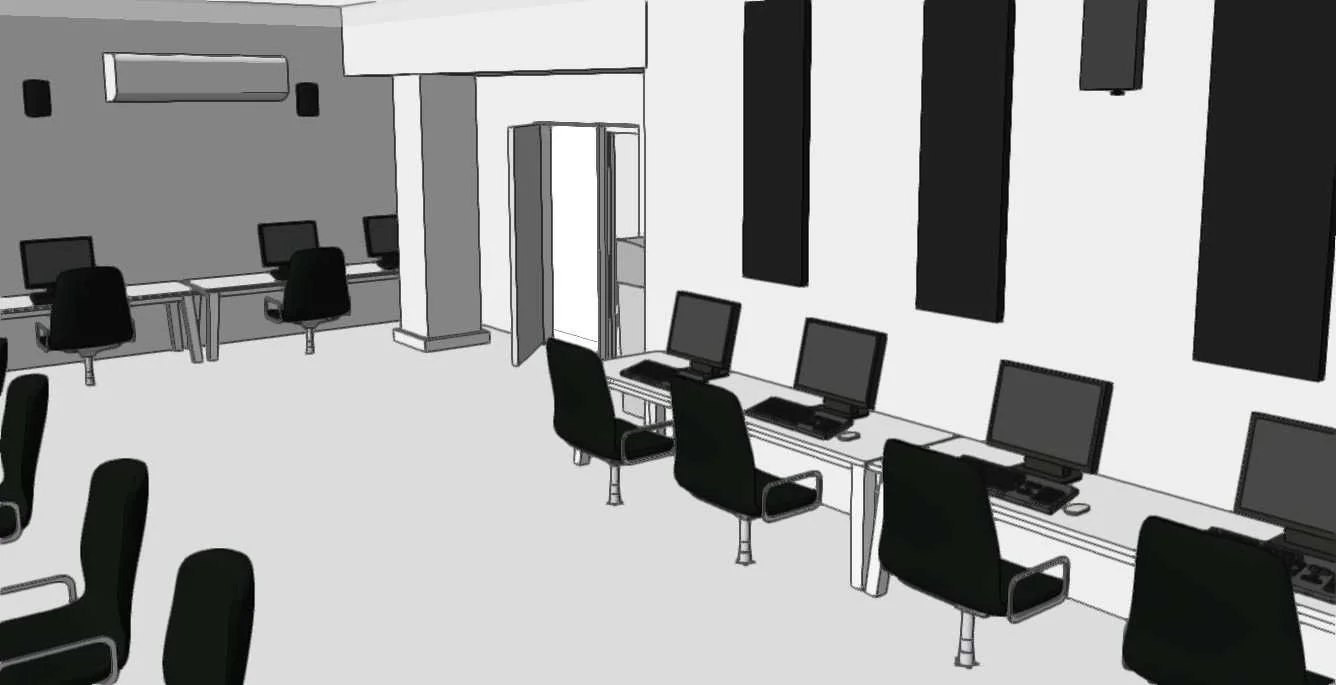
Computer Lab: Measuring & Modeling in Vectorworks
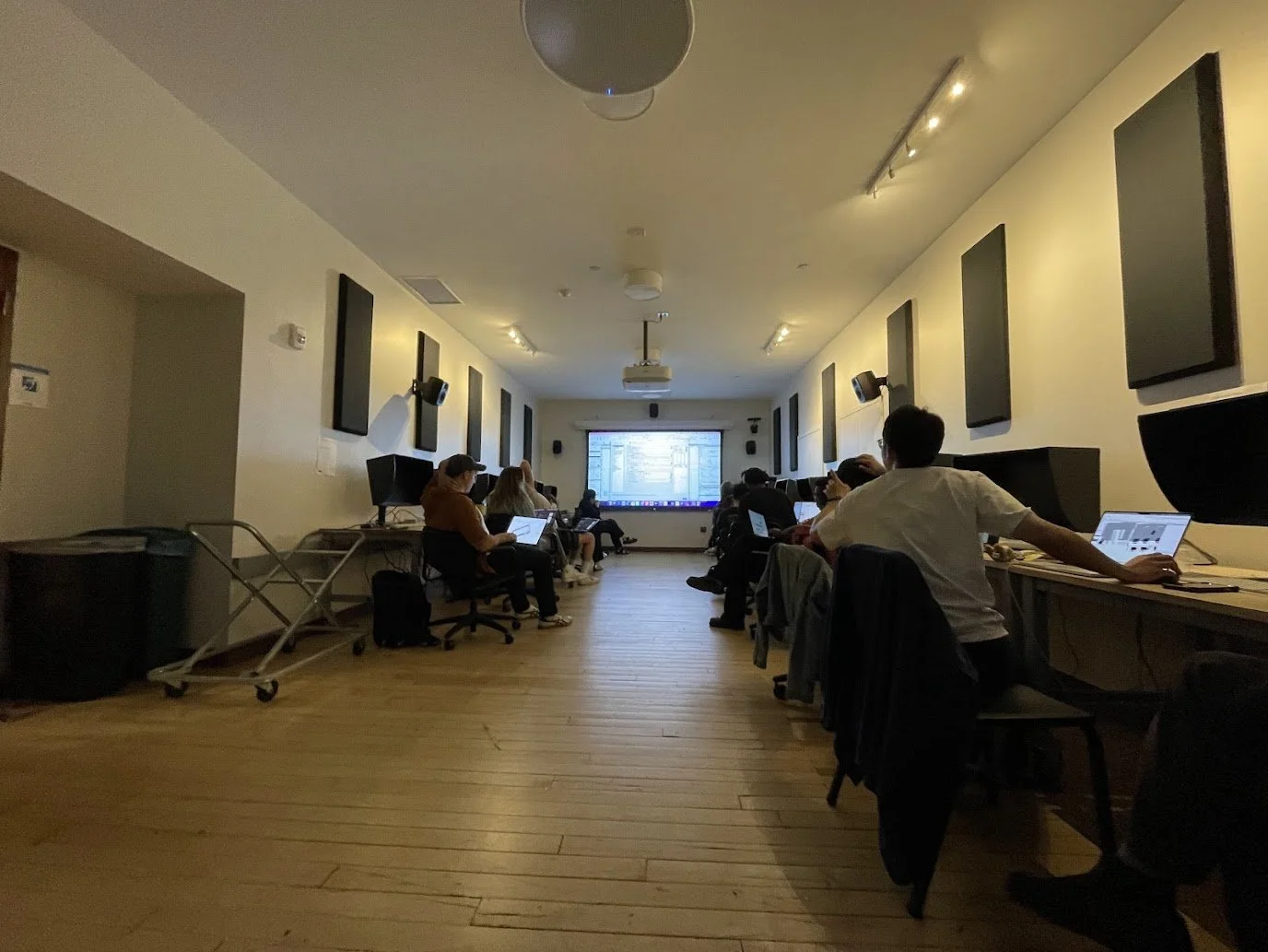
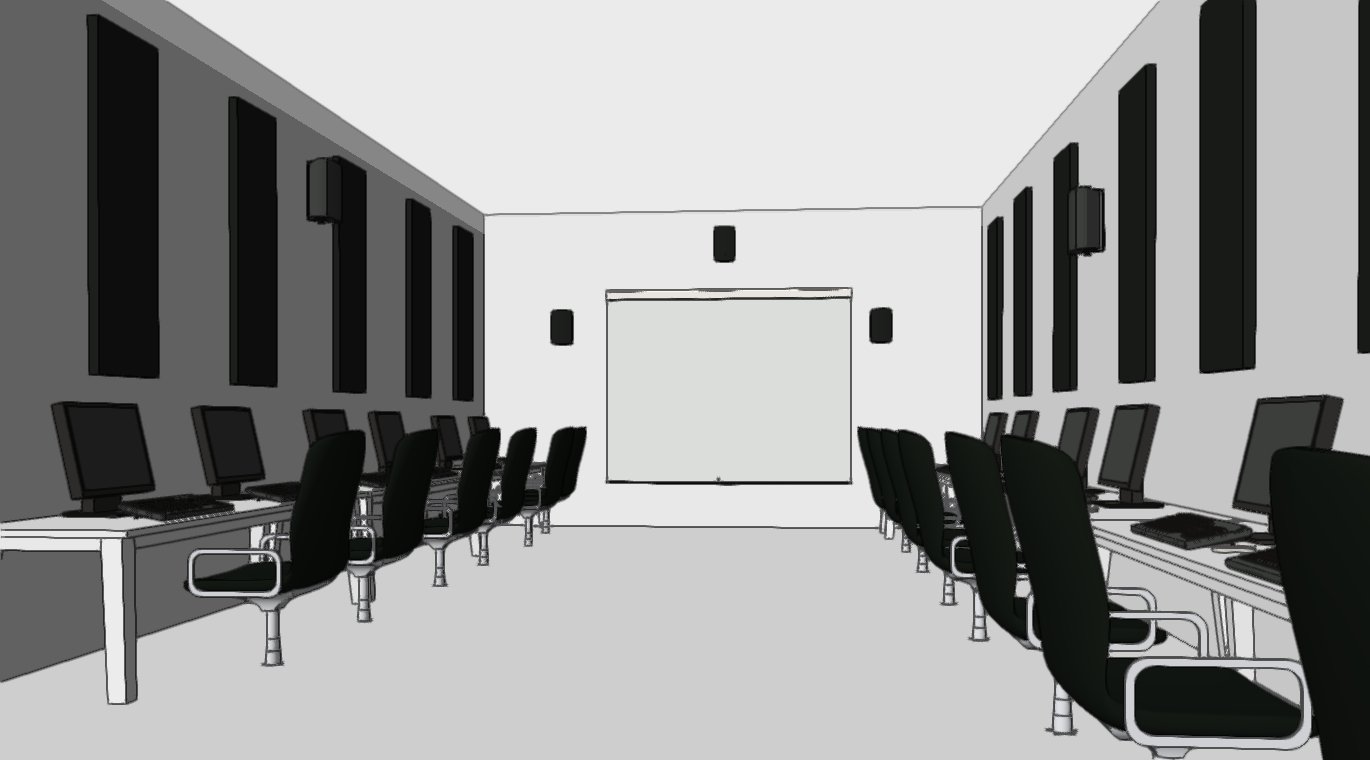
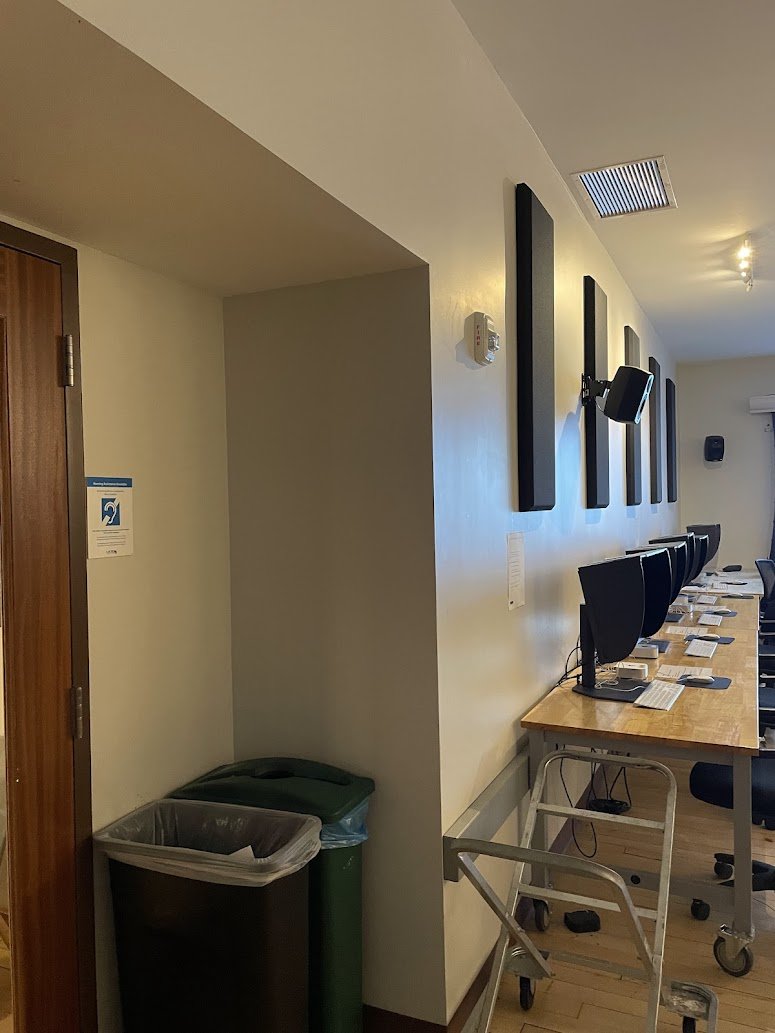
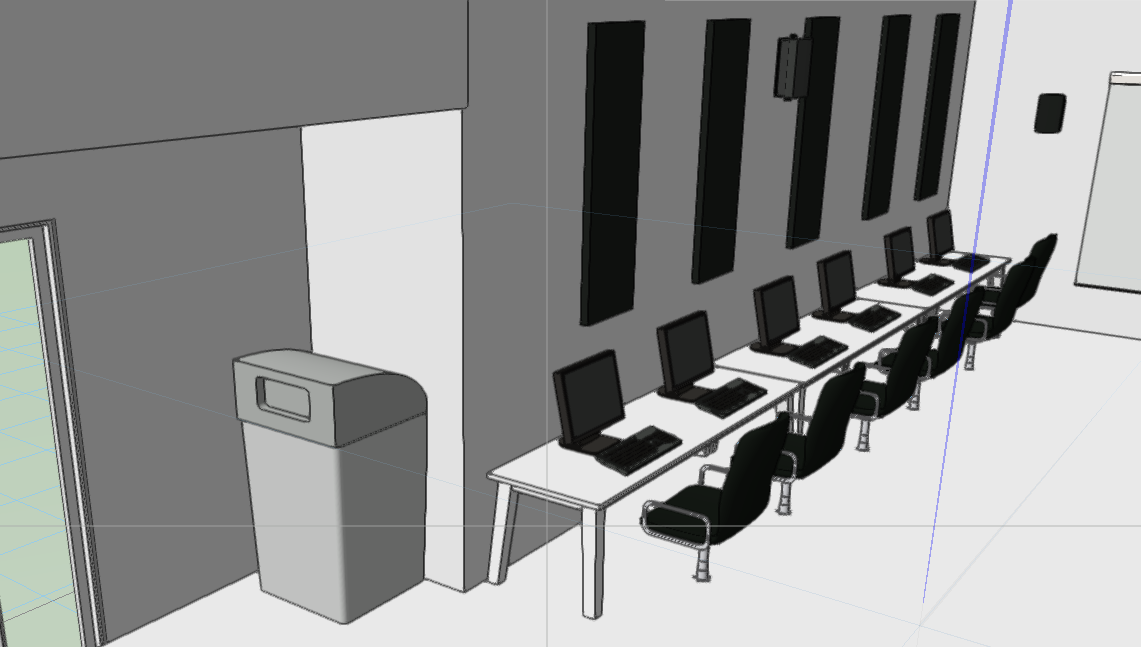
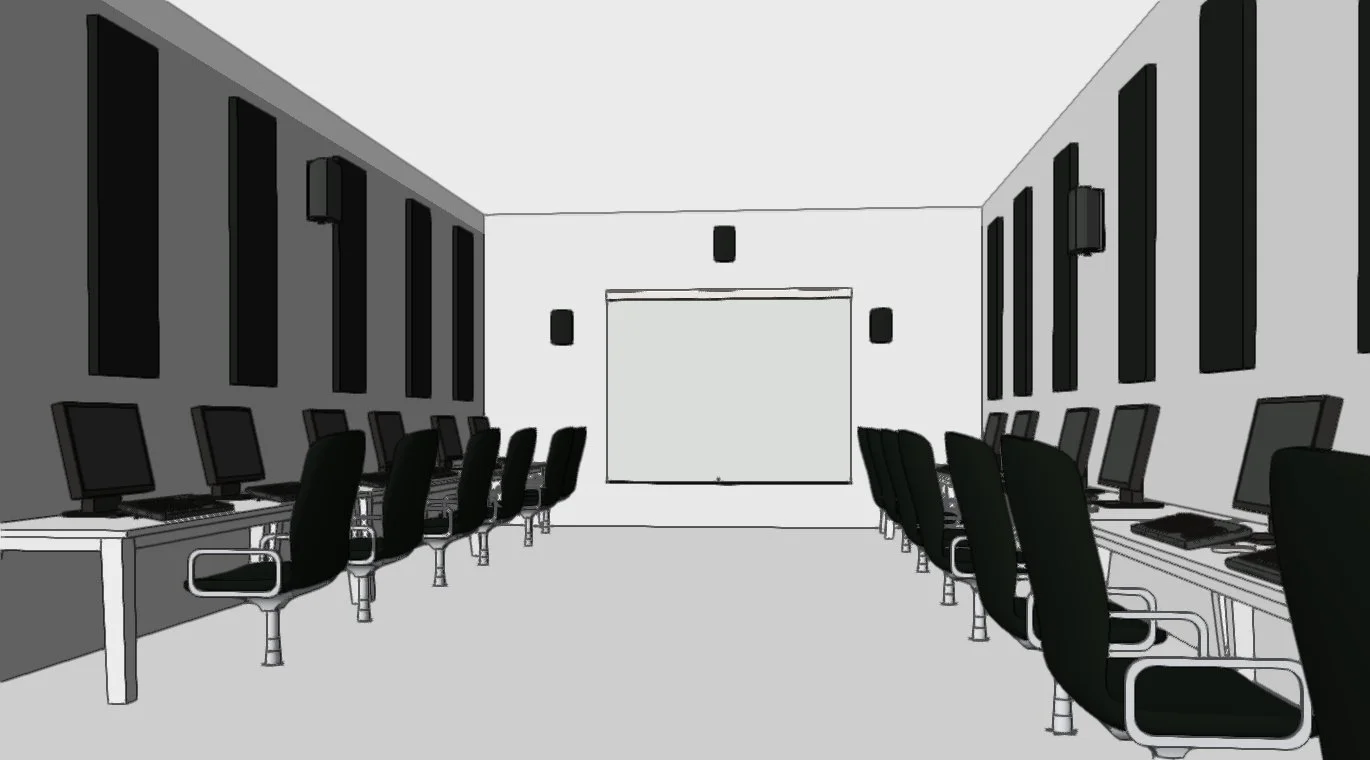
Rebuilt a Yale computer lab in Vectorworks from a rapid 42-minute site measure—capturing every desk, acoustic panel, HVAC unit, and wall dimension with production-ready 2D plans and 3D renders.
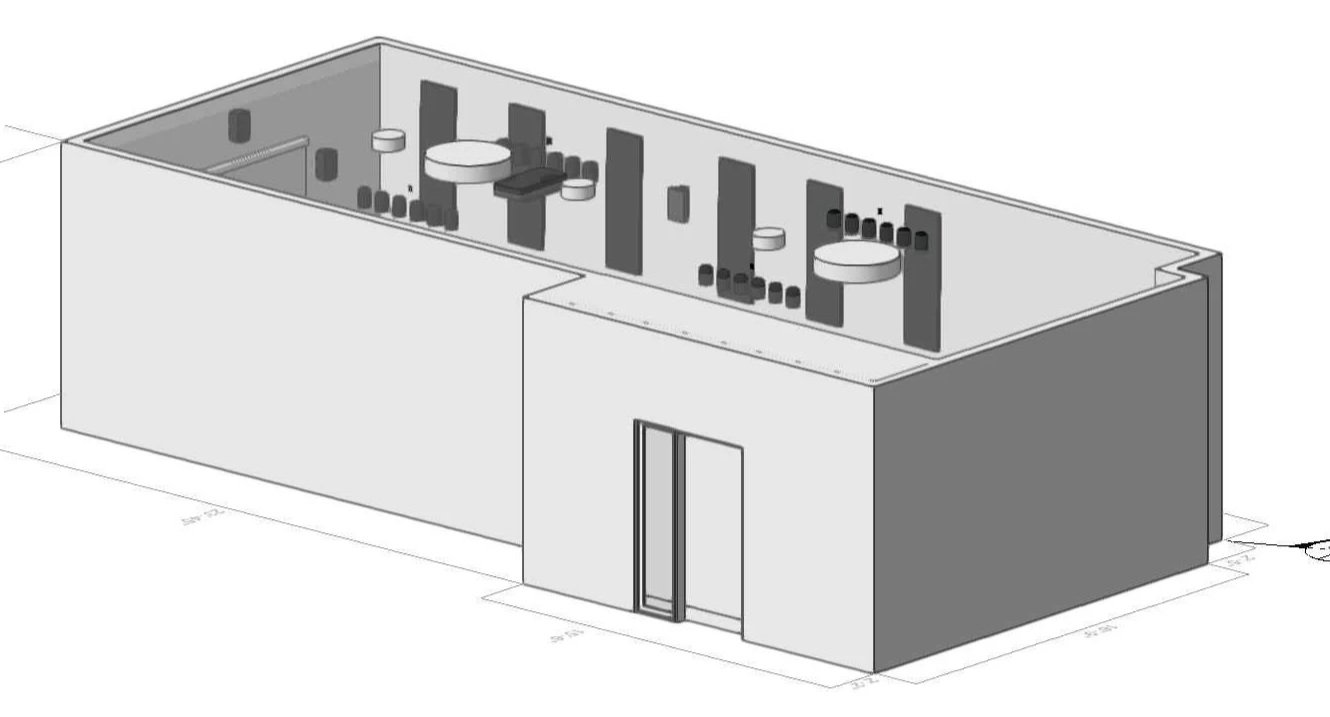

Step 1: Measure it out!
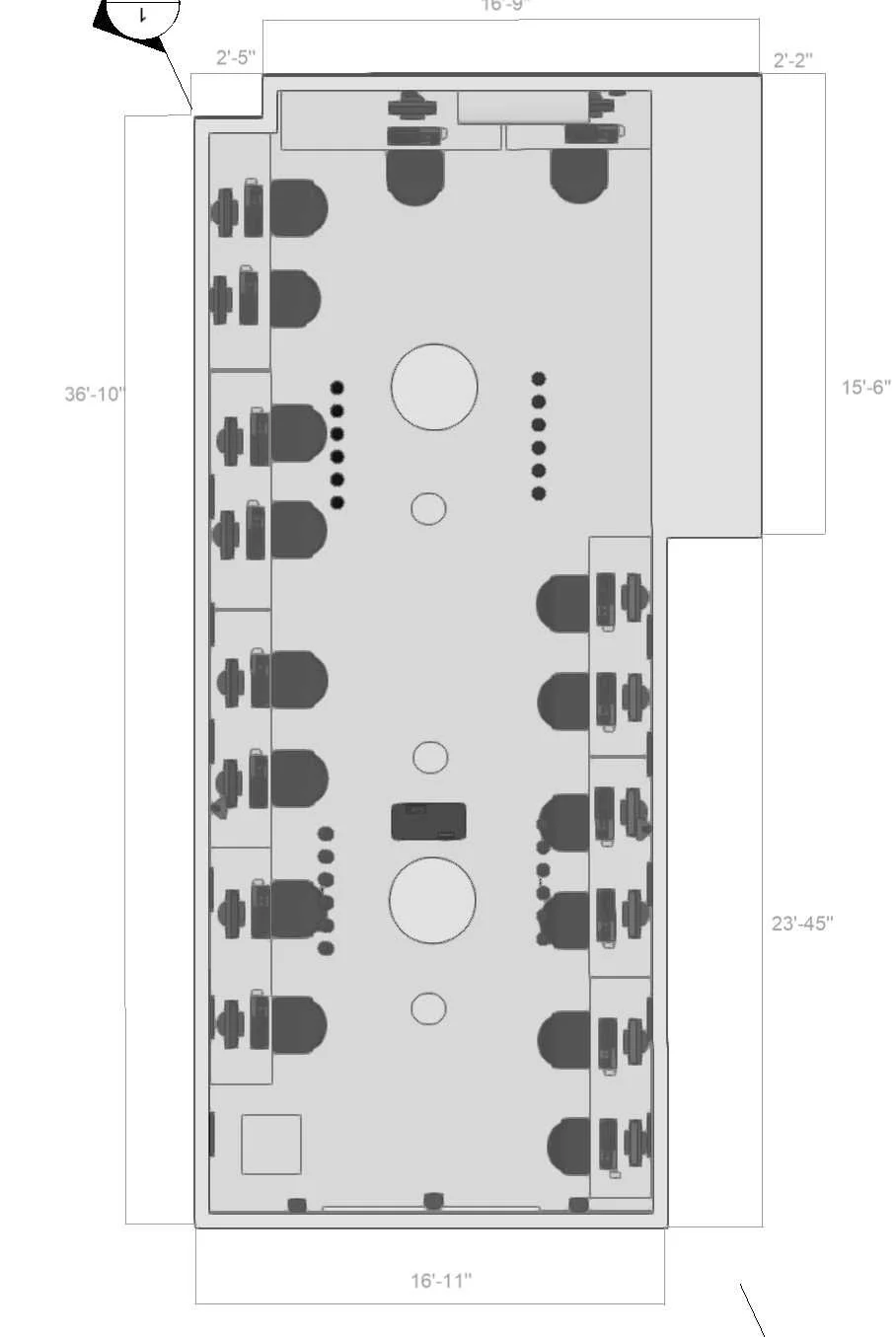
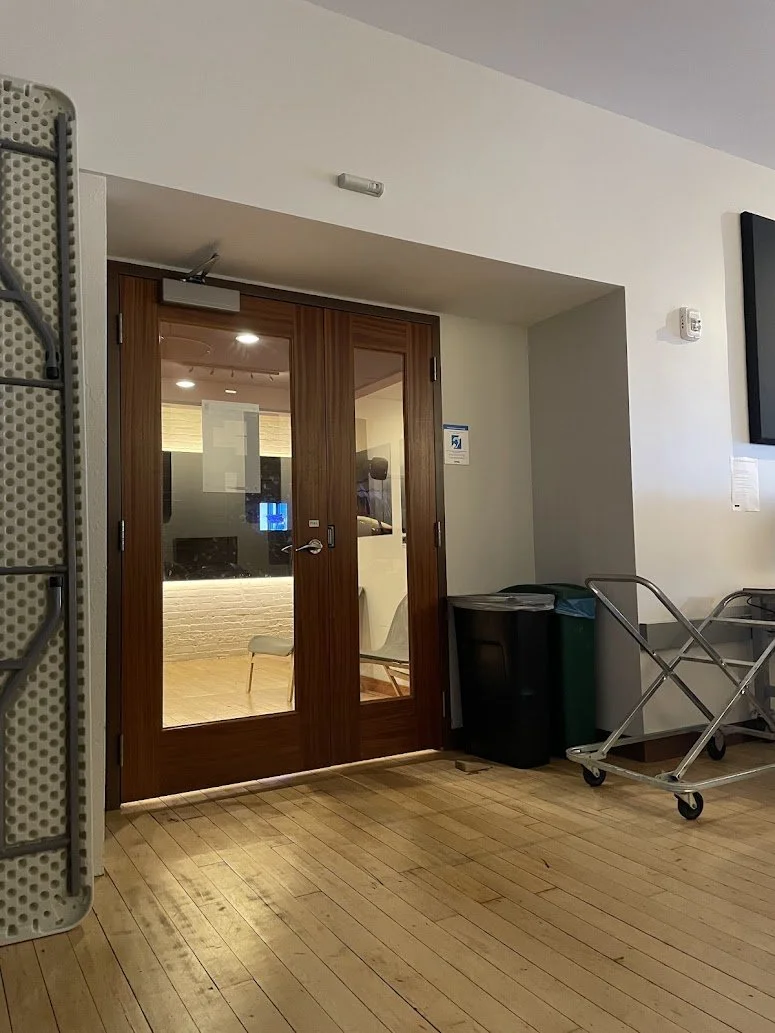
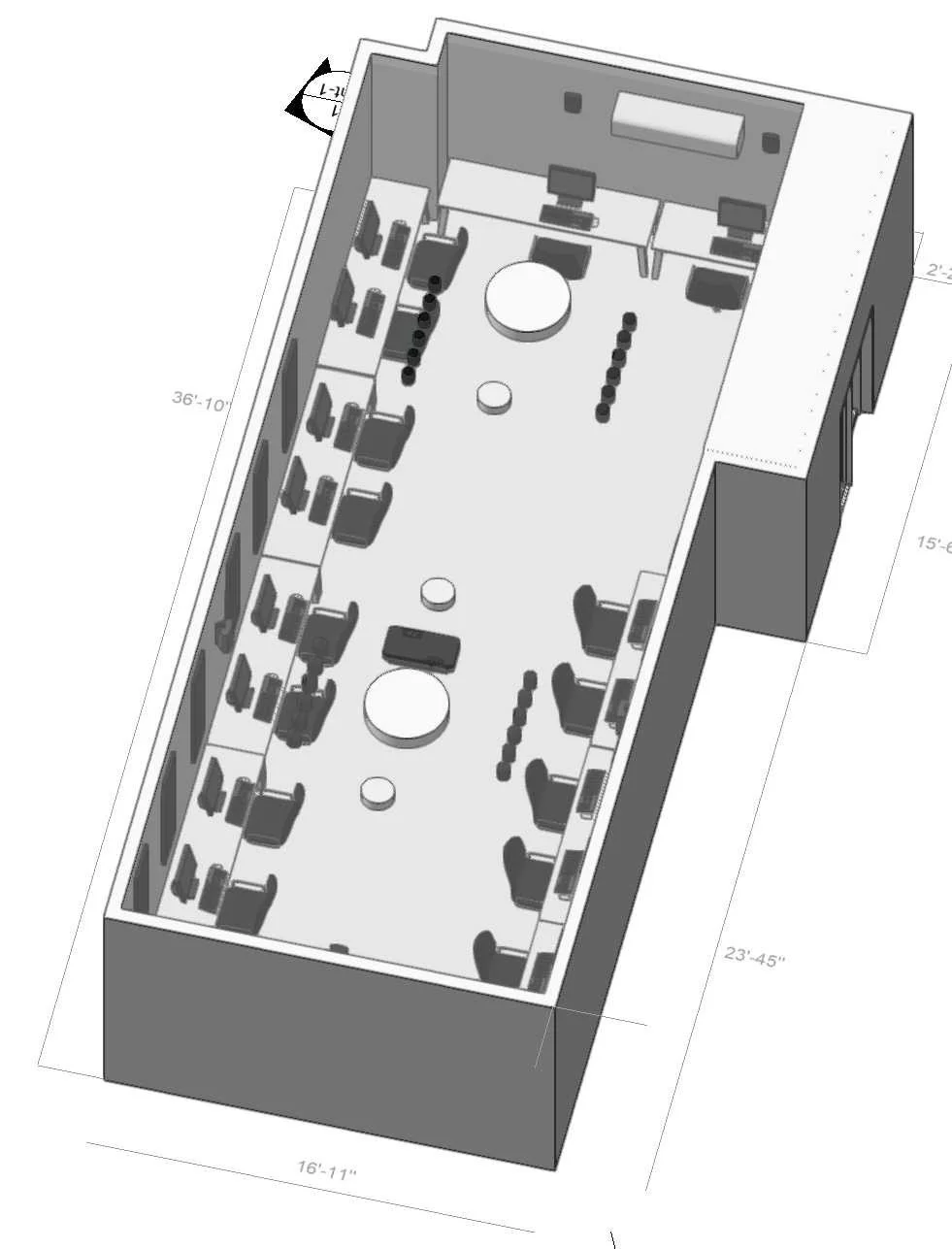
Measured and drafted a real classroom from Yale campus (dimensions: 30'-10" x 27'-4" main space, with detailed desk/door placements). Used tape measure on-site, then recreated accurately in Vectorworks Top/Plan view to 1/4"=1'-0" scale. This exercise built skills in field measurement, dimensioning, and precise 2D drafting.
Step 2: Precise Recreation in Vectorworks
Translated measurements into a 1/4"=1'-0" scaled floor plan in Top/Plan view:
Wall tool for all boundaries (6" thick partitions with concrete/gypsum hatches, snapped precisely to measured lengths).
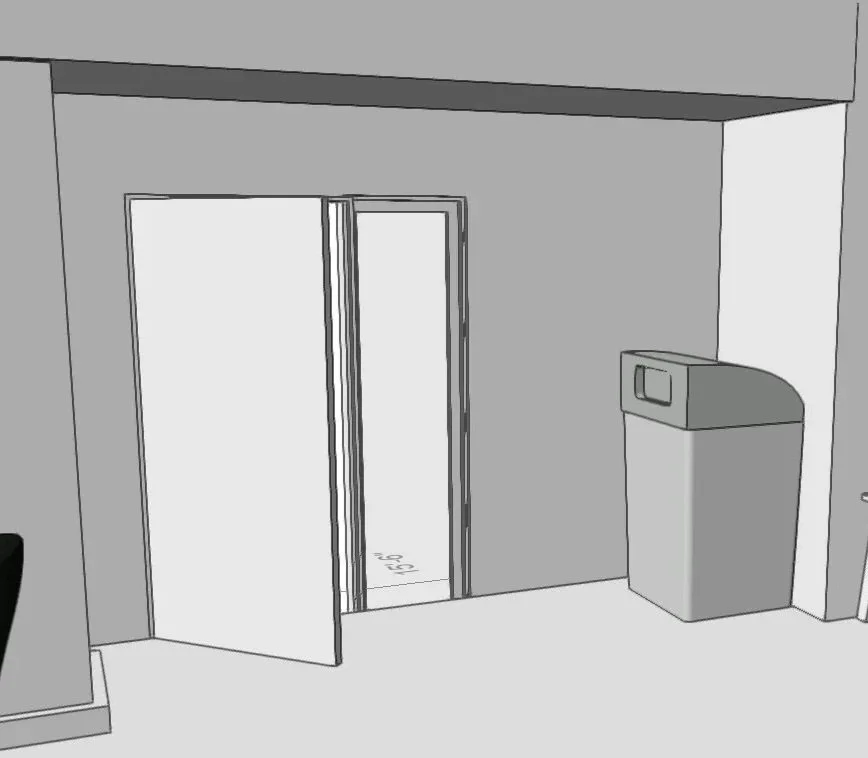
Door tool inserted at exact entry locations, matching real door swings and sizes.
Rectangle + Circle tools for furniture (desks/chairs), arrayed/duplicated with Align/Distribute for perfect rows, fully dimensioned throughout.
Thank you for watching!
Final Renders
Through this classroom project, from on-site tape measurements to fully dimensioned Vectorworks drafting and immersive 3D renders, I transformed real-world observation into precise digital documentation.
Key learnings include mastering field measurement accuracy (e.g., snapping 30'-10" walls and 5'-6" desk grids), Vectorworks tools like Wall, Door, and Extrude for seamless 2D-to-3D workflows, and rendering techniques to showcase interior spatial relationships.
This iterative process honed skills in scale fidelity, tool efficiency, and visual storytelling. These abilities transfer directly to professional architectural visualization, UX prototyping, and portfolio-ready 3D modeling for design roles.